
Buy real food.
Watch a pantry grow.
Other grocery apps hand you points. Catch hands you a mirror. Photograph any shopping list and it lands sorted by aisle, so you walk the shop once — and what you actually buy stocks a pantry shelf that fades if you stop.
No signup and no account. Free to download.
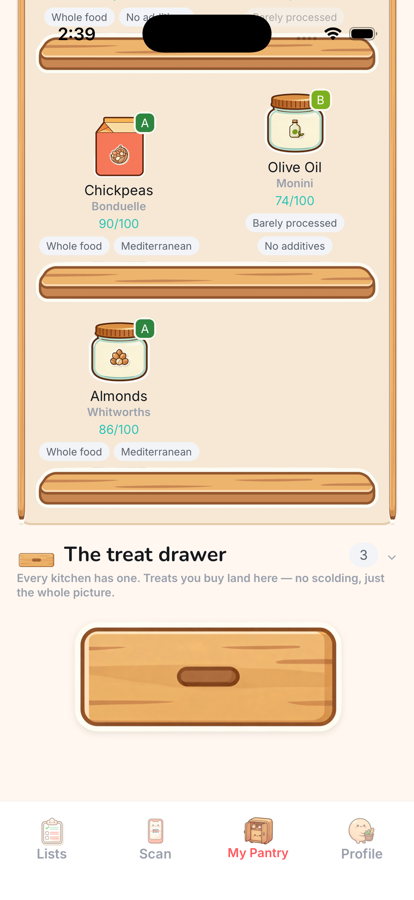
The shelf remembers. Then it forgets.
Every food fades at its own pace — greens go first, oil lasts for months. Drag to skip ahead. In the app this happens over real weeks, which is the whole point: the shelf is a mirror of the last few weeks, not a verdict on today.
Four things, that's all it is

Snap your list
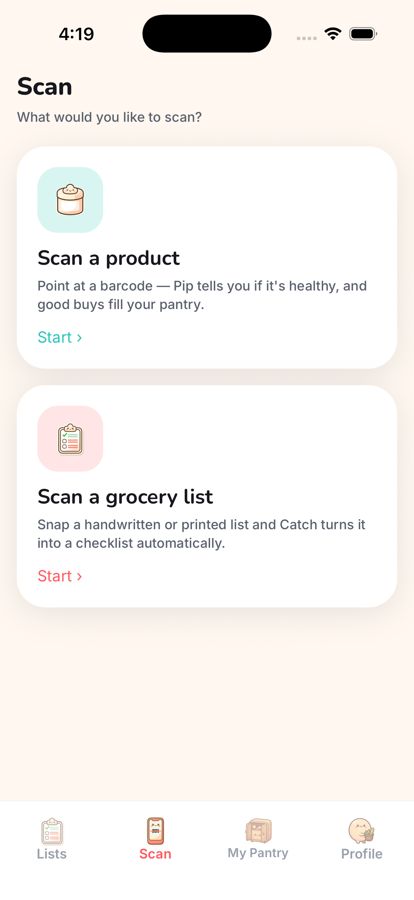
Point the camera at any list — handwritten, printed, a sticky note. It lands sorted by aisle, so you walk the shop once.

Catch it in the aisle
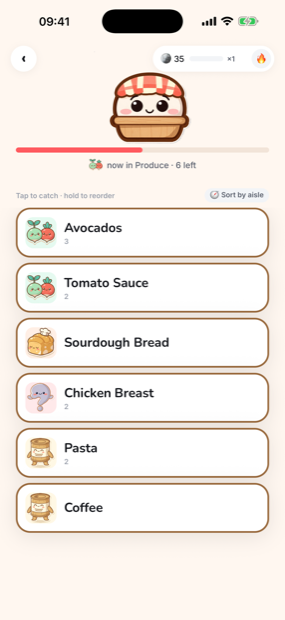
In the shop, tap an item and Pip catches it in his basket. Keep the chain going and the run gets loud.

Ask before you buy
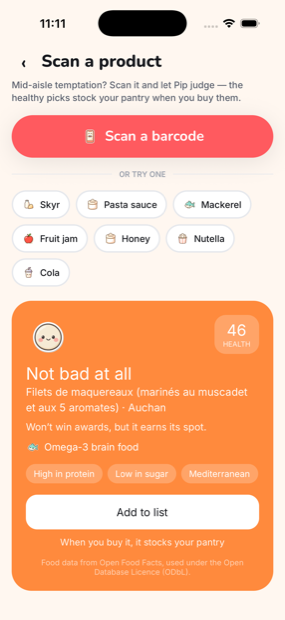
Scan a barcode mid-aisle and Pip tells you straight whether it is a good buy. No lectures.

It all fills your pantry
Good buys stock your shelves and fade as you eat them. Treats get a drawer of their own — no scolding, just your whole picture.
What it actually looks like
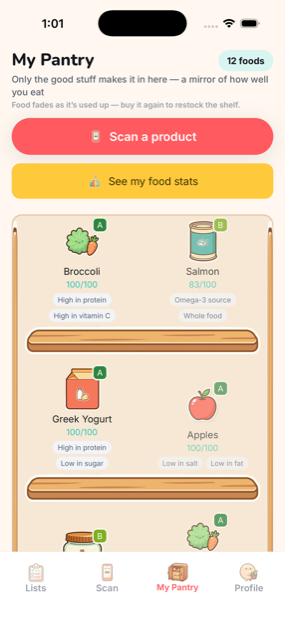
What else is in there now
The numbers behind the verdict
A grade is a judgement, so Catch shows its working: energy, fat, sugars, salt, fibre, protein, and the vitamins where anyone knows them. Blank means nobody has filled it in — it never guesses.
A better thing, same aisle
Scan something and Catch grades the whole aisle, then names a better buy you can actually find — in your country, not somebody else's. Tap it to see why it wins.
A month with an end to it
Every month sets one goal — buy whole foods, shop more food groups, keep it up week after week — and then it is over. Finish it and it counts. Miss it and the next one starts clean.
What could I make?
Catch looks at what you have actually been buying and suggests two or three dishes. Whatever is missing goes on the list in a tap. It cannot see inside your fridge, and it says so.

Pip eats from the shelf
The one who judges your basket also lives off it. Pip fancies a food group each day, pipes up while you shop, and has a taste of what you have stocked — nothing ever leaves the shelf.
Six languages
English, Italian, Japanese, Chinese, Korean and Arabic — the food tables too, not just the buttons.
Tell me what broke
The app collects no email and sends no notifications, which means I have no way to reach you unless you write to me. Leave an address and I'll tell you when the thing you reported is fixed — nothing else, ever.
Your mail app should be opening. If nothing happened — many desktop browsers and in-app browsers block mail links — use one of these instead:
This opens your mail app with a message ready to send — nothing is stored on this page. Or write straight to clemalb@gmail.com.